

Before you start
- The trustee’s ACN or ABN and registered name
- The trust’s name, and the trust deed if available (optional)
- Each person’s name, email, mobile and date of birth
- A clear photo of each person’s ID
The trustee and the trust
Enter the trustee’s ACN or ABN and legal entity name, then the trust’s own name. Check confirms the registration with the ABR and fills the trustee name for you. Attach the trust deed if the buyer has it.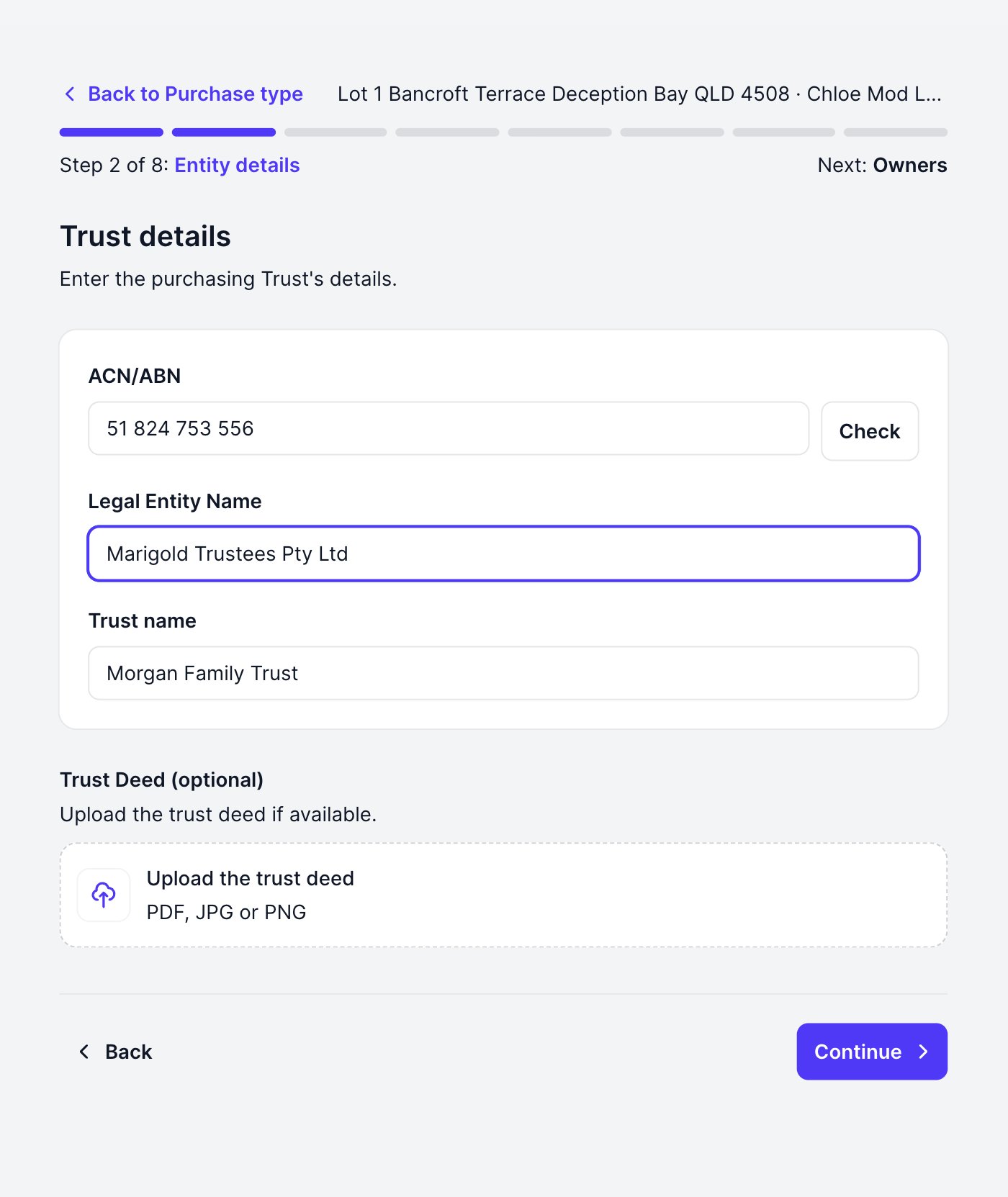
Who is behind the trust?
Add the beneficiaries, the trustee or trustees, the appointor and the authorised signatory, one person per screen. Fill in the person and click Continue: they are saved and the list of everyone added so far appears, where Add another person starts the next one. Continue from the list moves the EOI on.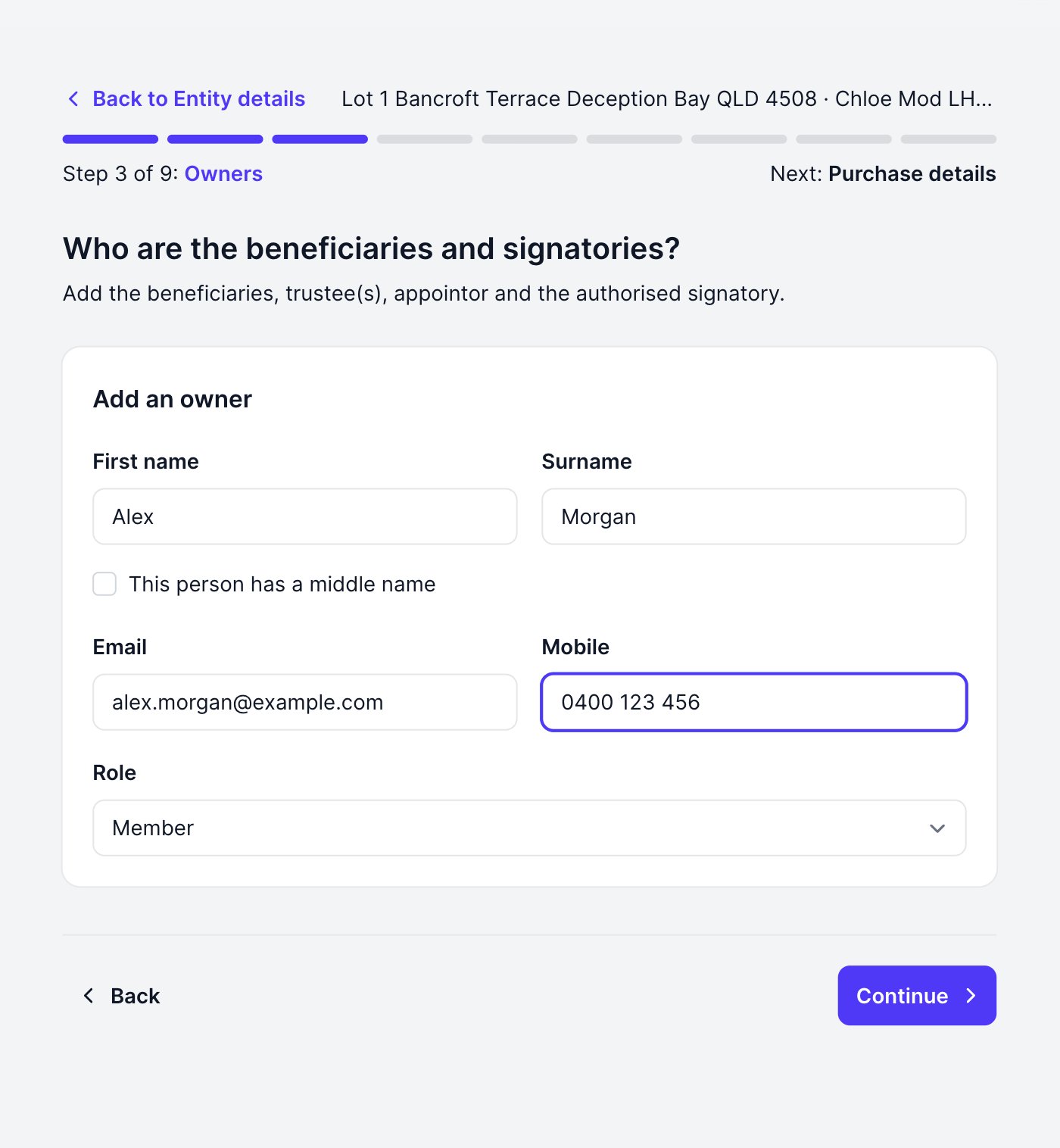
Deal details and IDs
Details, finance, solicitor and broker work exactly as for individual buyers. Two differences:- Guarantors: if the trust is borrowing, lenders usually require a guarantor. Add them on the Finance step; guarantors are recorded for financing only and are never ID-verified.
- IDs: the trust itself is never ID-verified: its people are. Upload the sighted ID for each person you added, one at a time, ticking the consent confirmation that they were given the privacy notice and agreed, then review and submit as usual. Every person’s ID must be on file before you can submit.