

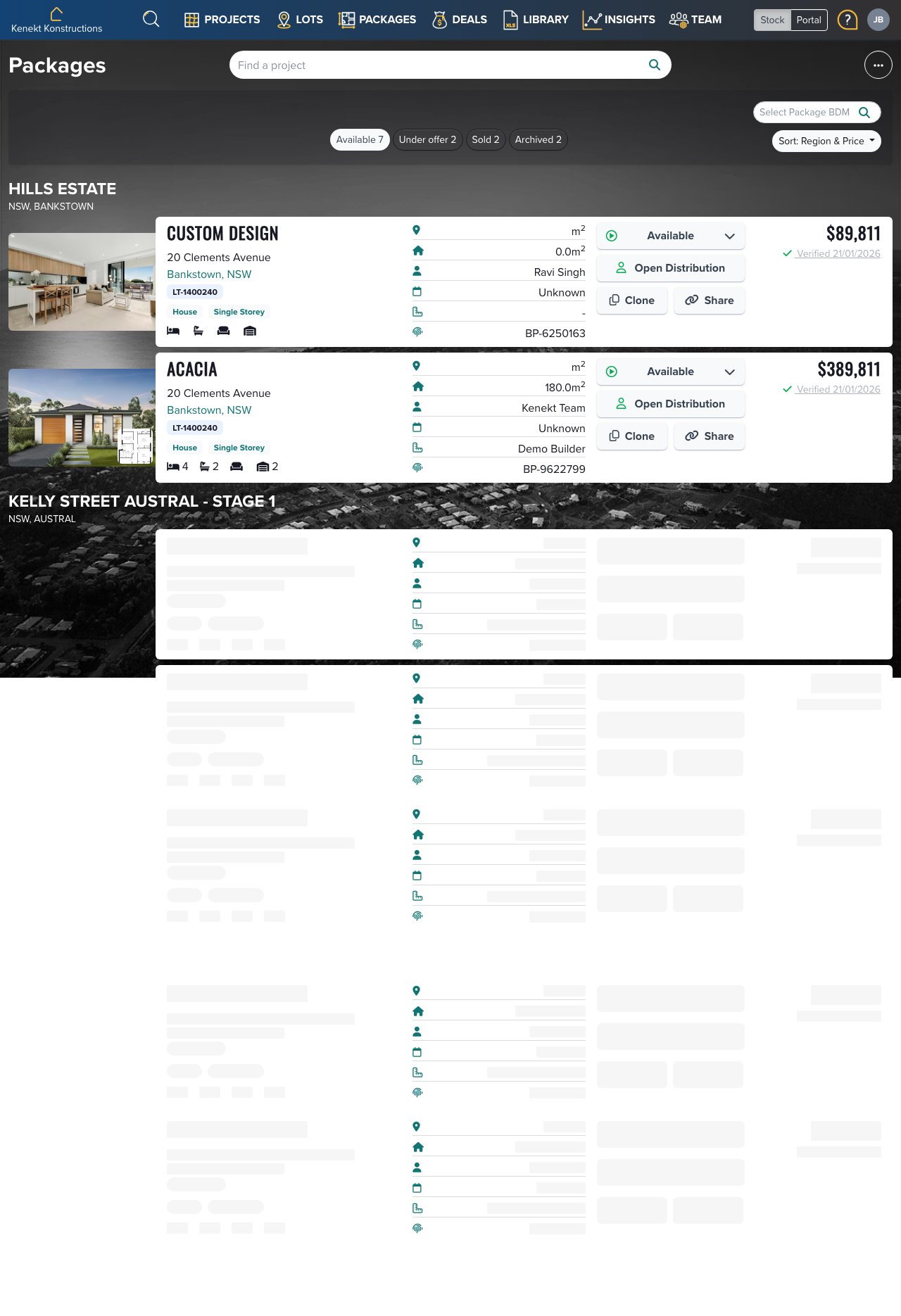
Package Cards
Each package displays:- Photo: Facade or render image
- Design Name: Floor plan name (e.g., ACACIA, Custom Design)
- Address: Lot address and project name
- Specs: Bedrooms, bathrooms, car spaces, and floor area
- Team: Assigned BDM and builder
- Status: Available, Under Offer, Sold, or Archived
- Price: Total package price
Quick Actions
Each package card has action buttons:- Open Distribution: Control which agents can see this package
- Clone: Create a copy of the package
- Share: Generate a shareable link
Filtering Packages
Use the status buttons to filter:- Available: Packages on market
- Under Offer: Pending sales
- Sold: Completed sales
- Archived: Hidden from agents