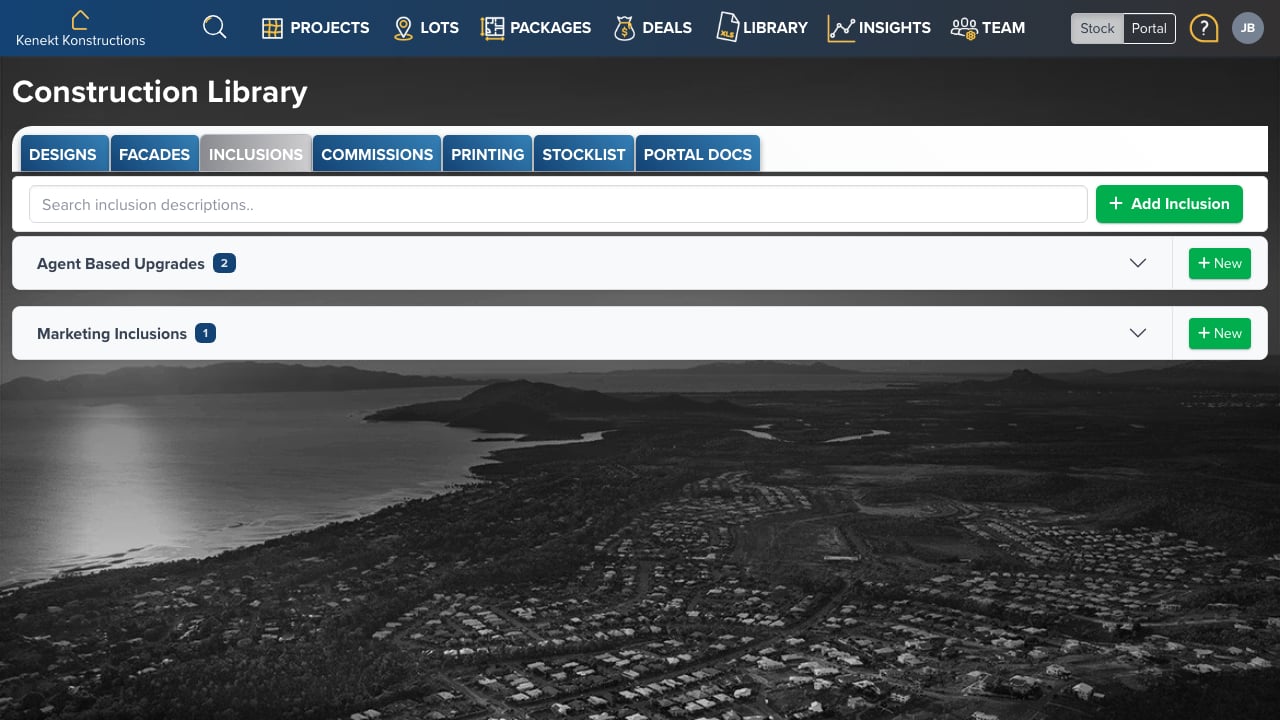
Create and manage inclusion packages: the upgrades and standard inclusions that can be applied to builds. Inclusions

Inclusion Categories

Inclusions are organised by category:
  • Agent Based Upgrades: Optional upgrades agents can offer buyers
  • Marketing Inclusions: Standard inclusions highlighted in marketing
Each category shows the count of inclusion packages and a + New button to add more.

Adding Inclusions

  1. Click + Add Inclusion or the New link next to a category
  2. Enter the inclusion name and description
  3. Add line items with pricing
  4. Assign to designs or packages

Searching Inclusions

Use the search box to find inclusions by description across all categories. Tick an item as featured in the library and it is featured on every design, lot, project and package that uses the package, including ones that already have it. Featured items are listed in the order you set here; drag items to re-order. A home that has unticked an item, or saved its own featured order, keeps that. New items join the end of a saved order.

Using packages on homes

Add packages to a project, lot, design, package or agent from its Inclusions tab. See Choosing Inclusions and How Inclusions Cascade.