

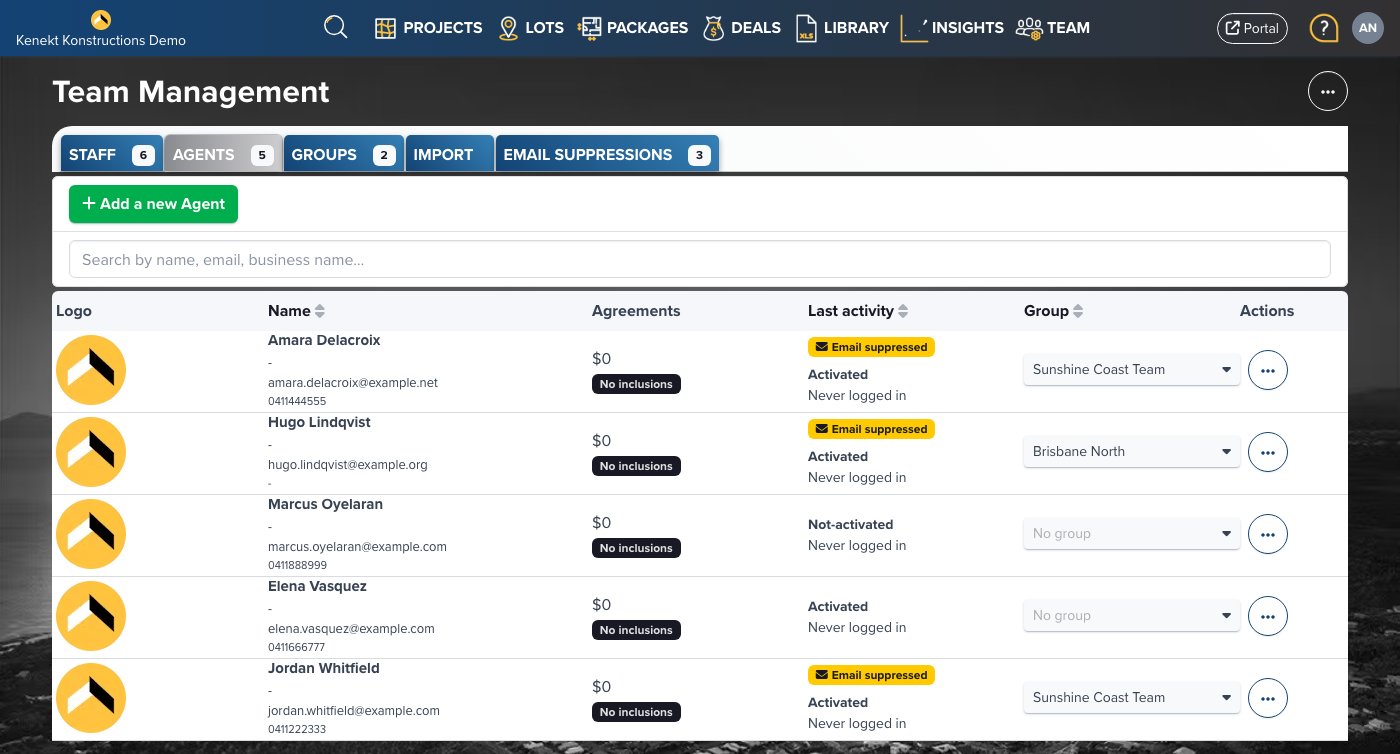
Team Tabs
- Staff: Internal team members with stock management access
- Agents: External agents who access your portal
- Groups: Organise users into groups for bulk permissions
- Import: Bulk import users from CSV
- Email Suppressions: Addresses Kenekt can no longer deliver to, and where you reactivate them
User List
The table shows:- Logo: User or agency logo
- Name: User name and contact details
- Agreements: Commission agreements signed
- Last Activity: Most recent login or action
- Group: Assigned user group
- Actions: Edit, disable, or remove user
Adding Users
Click + Add a new Agent to invite external agents, or switch to the Staff tab to add internal team members.User Groups
Groups allow you to:- Allocate packages to multiple users at once
- Apply consistent permissions across teams
- Manage regional or agency-based access