

Overview
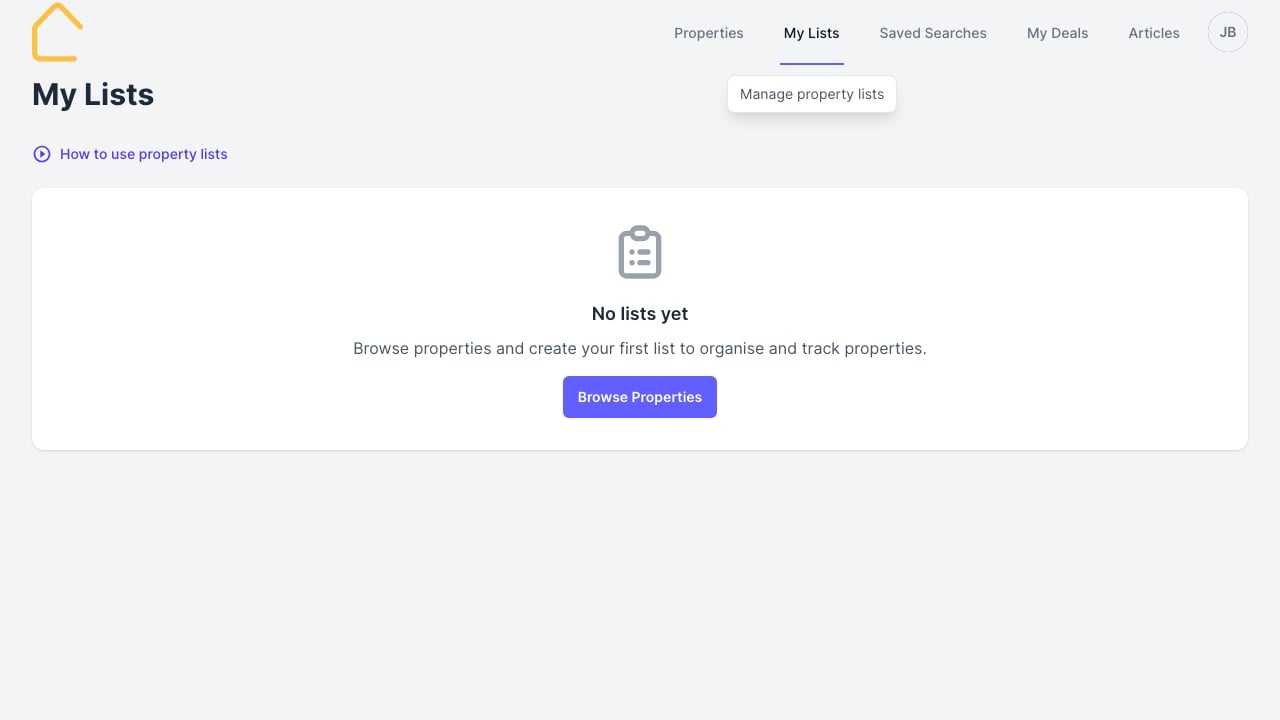
Lists let you save and organise packages into collections. Use them to:- Group packages for specific buyers
- Compare options side by side
- Share curated selections with clients
Creating a List
- Browse properties and find packages you want to save
- Select packages using the checkboxes
- Click Add to List and choose an existing list or create a new one
- Name your list (e.g., “Smith Family - 4 bed options”)
Managing Lists
From the My Lists page you can:- View all your saved lists
- Open a list to see its packages
- Remove packages from lists
- Delete lists you no longer need
Sharing Lists
Lists can be shared with clients via a unique link, allowing them to browse your curated selection without needing a portal login.Tips
- Create separate lists for each active buyer
- Use descriptive names to stay organised
- Remove sold packages to keep lists current