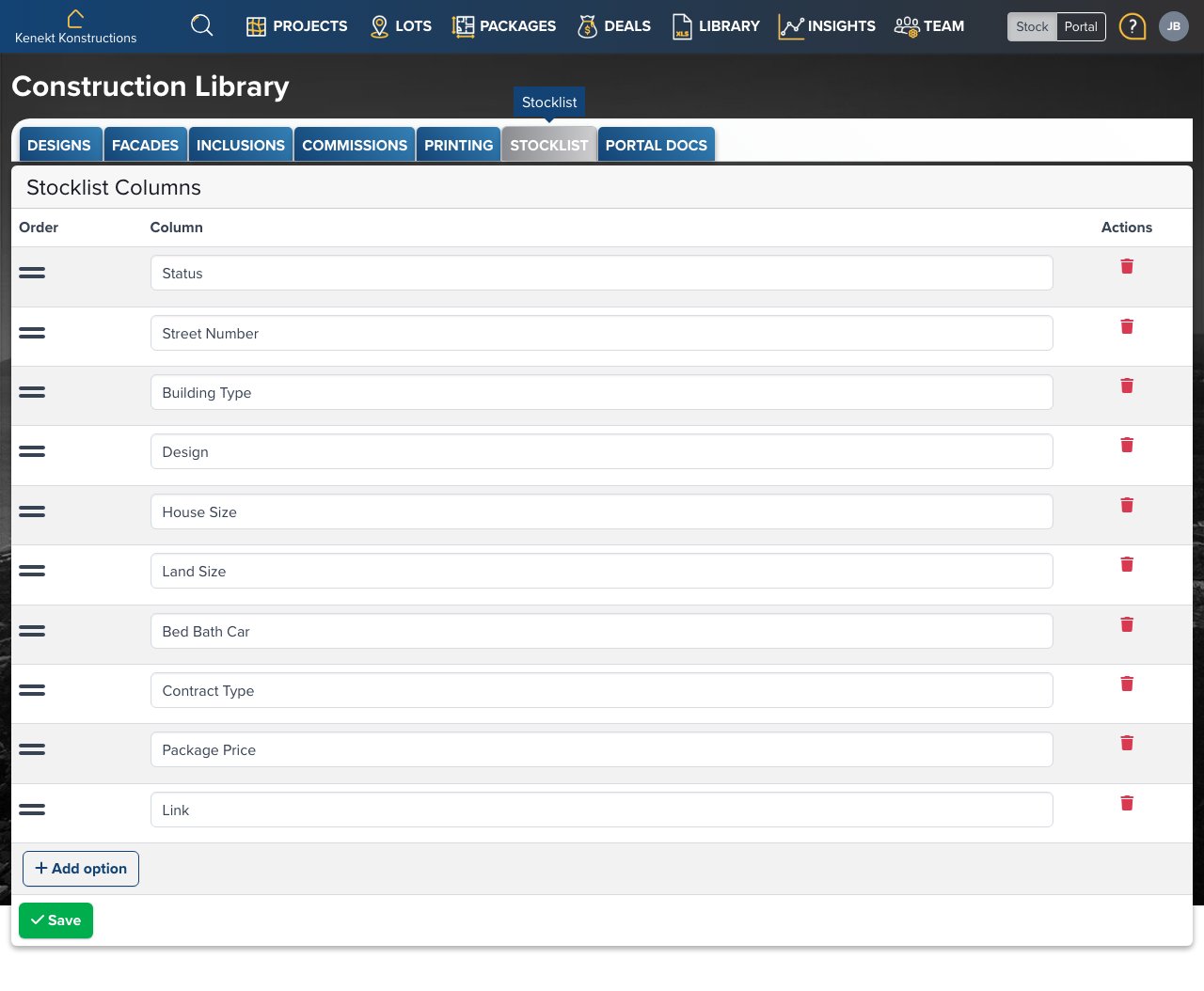
Download stock data and configure which columns appear in exported stocklists. Stocklist Configuration

Stocklist Columns

Configure which data fields appear when agents export stocklists:
  • Status: Package availability status
  • Street Number: Lot address
  • Building Type: House, Townhouse, etc.
  • Design: Floor plan name
  • House Size: Floor area in m²
  • Land Size: Land area in m²
  • Bed Bath Car: Room counts
  • Contract Type: Fixed price, turnkey, etc.
  • Package Price: Total price
  • Link: URL to package details

Reordering Columns

Drag the handle (≡) on the left of each row to reorder columns. The order here determines the column order in exports.

Adding Columns

Click + Add option to add additional columns to the stocklist export.

Removing Columns

Click the red trash icon to remove a column from exports.

Saving Changes

Click Save to apply your column configuration. This affects all stocklist exports for your agency.

Exporting from Portal

Agents can export stocklists from the Properties page by clicking the Export button. The export uses your configured column layout.