

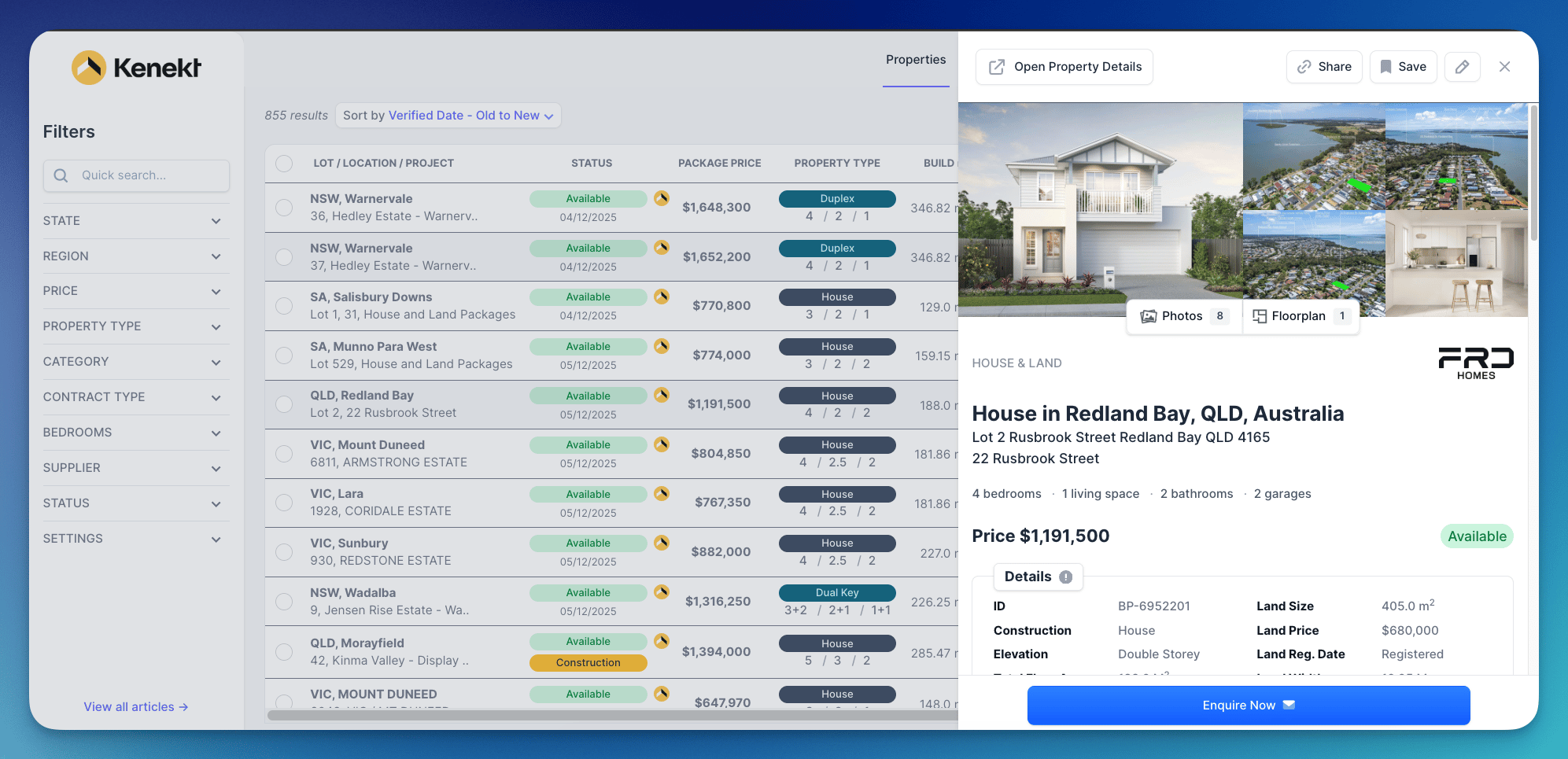
Getting Started
After logging in, you’ll see Your Property Agencies: a list of agencies you have access to. For each agency, you can:- Open Stock Management: Access the backend to manage projects, lots, and packages
- Open Property Portal: View the agent-facing portal
Two Interfaces
Kenekt has two main interfaces:Stock Management (app.kenekt.com.au)
For builders and suppliers to:- Manage projects, lots, and packages
- Track deals and commissions
- Configure integrations
- Invite and manage agents
Agent Portal (yourportal.kenekt.app)
For agents and channel partners to:- Browse available stock
- Submit enquiries and holds
- Track their deals and commissions
- Export stocklists