

Overview
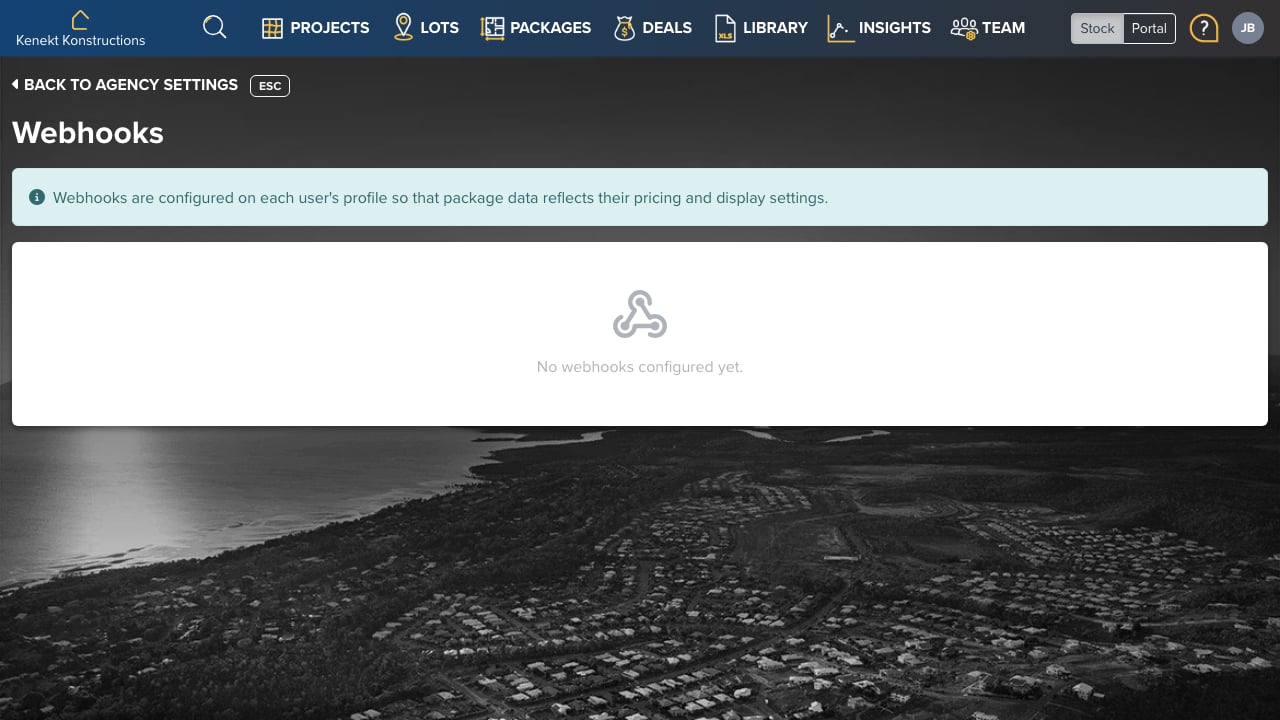
Webhooks push data to your systems automatically when events happen in Kenekt. This enables real-time integrations without polling the API. Webhooks are configured on each user’s profile so that package data reflects their pricing and display settings.Setting Up Webhooks
- Go to Team Management → Select a user
- Navigate to the Webhooks tab
- Click Add Webhook
- Enter the destination URL
- Select the events to subscribe to
Webhook Events
Common events include:- Package Created: New package added
- Package Updated: Package details changed
- Status Changed: Package status updated (Available → Sold, etc.)
- Enquiry Received: New enquiry submitted
Payload
Webhooks send JSON payloads containing the event type and relevant data. The payload includes package details as they would appear for the webhook owner’s pricing view.Troubleshooting
If webhooks aren’t being received:- Verify the destination URL is publicly accessible
- Check that your server returns a 2xx status code
- Review the webhook activity log for errors