

Overview
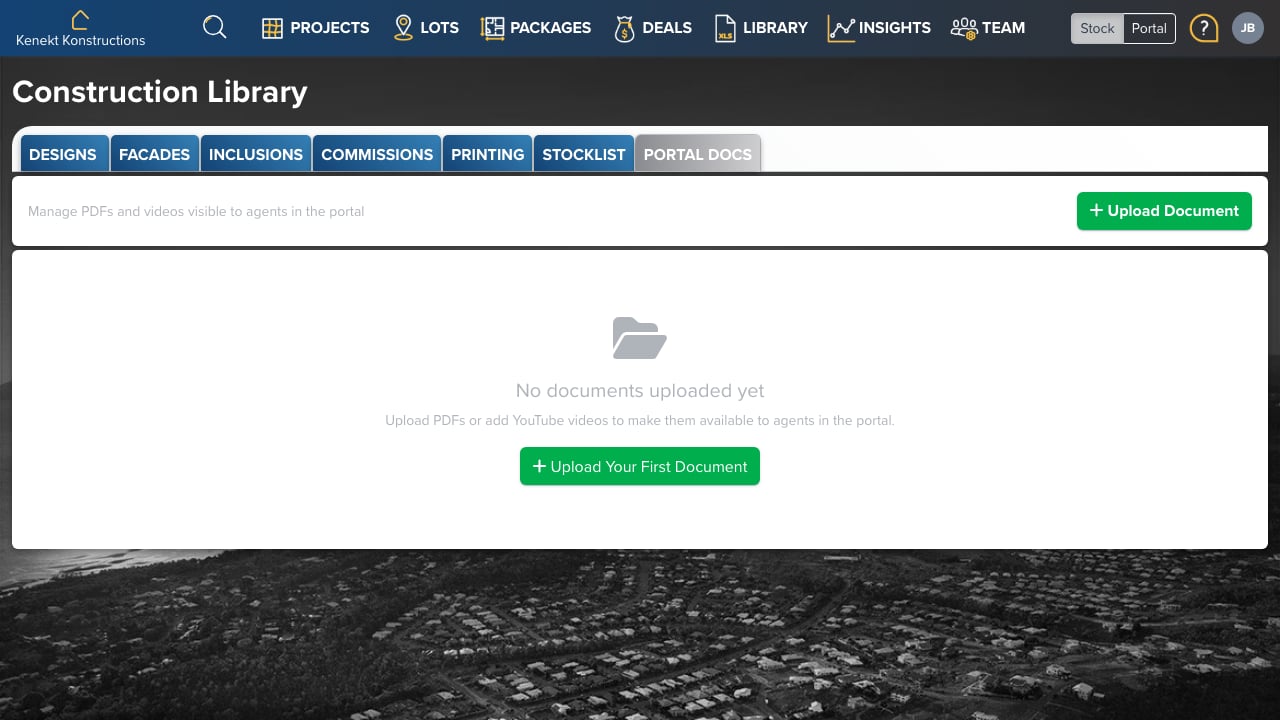
Portal Documents are agency-level files shared with all agents. Use this for general resources that aren’t specific to individual packages.Uploading Documents
- Click + Upload Document
- Select a PDF or other document file
- Enter a title and description
- The document becomes available to agents immediately
Document Types
Common documents to upload:- Price Lists: Current pricing guides
- Brochures: Marketing collateral
- Contracts: Standard contract templates
- Guides: Agent training materials
- Policies: Terms and conditions