

What is a Hold?
A hold temporarily reserves a package, preventing other agents from selling it. Holds have a set duration (configured by the supplier) and may require approval.Placing a Hold
- Browse to an Available property
- Click Place Hold (if enabled for the property). The button shows how many holds you have left, for example 3 left. In the property drawer it sits in the bar at the bottom.
- Enter your requirements or notes
- Click Submit
- Activate immediately: Package is reserved
- Await approval: Supplier reviews before confirming
Hold Duration
Holds last for a specific period set by the supplier:- Fixed duration: Automatically expires after X days
- Until released: Remains until staff manually release it
Viewing Your Holds
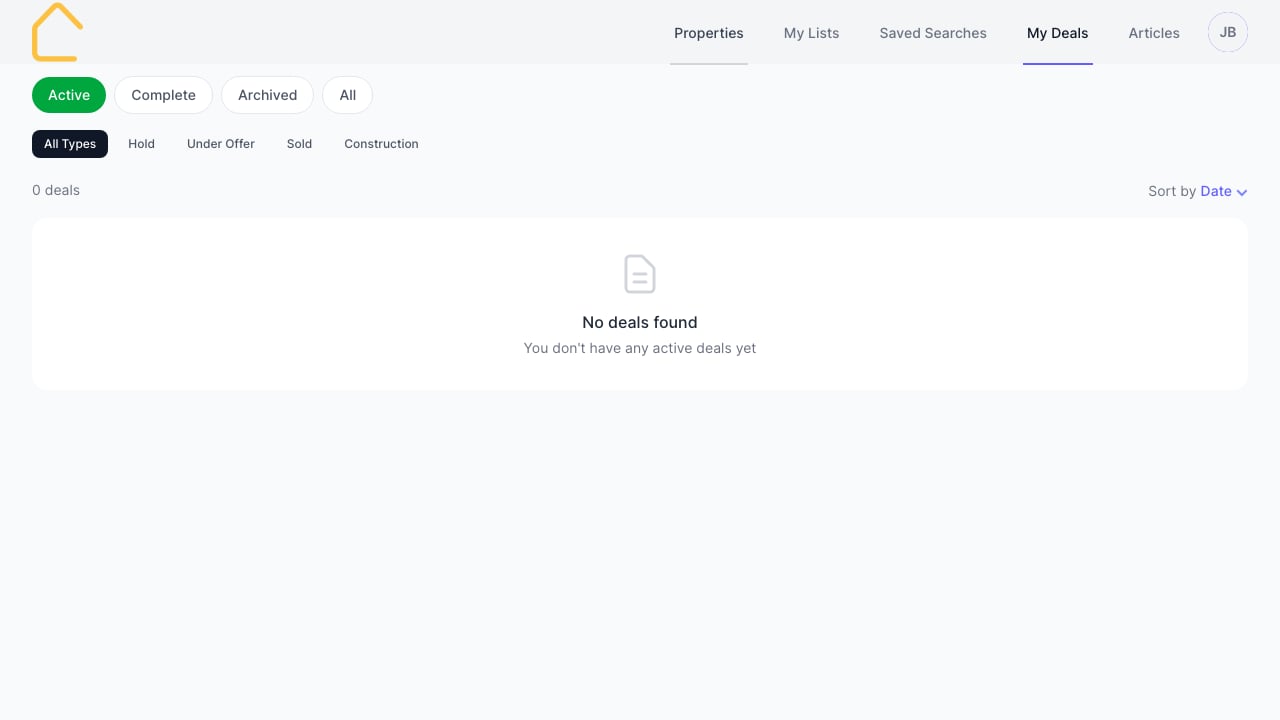
- Go to My Deals in the navigation
- Click the Hold filter to see only holds
- Each hold shows:
- Property details
- Hold status (Requested, Active, Expired)
- Expiry date (if applicable)
Hold Statuses
What Happens When a Hold Expires?
- The package returns to Available status
- Other agents can enquire or place holds
- You’ll receive a notification
- The deal moves to your archived deals
Progressing from Hold
When ready to proceed:- Contact the supplier to progress the deal
- The supplier updates the deal to Under Offer
- Continue through the sales process
Tips
- Only place holds when you have a serious buyer
- Provide detailed notes to help suppliers understand the situation
- Monitor expiry dates in My Deals
- Contact suppliers before holds expire to extend if needed