

API Documentation
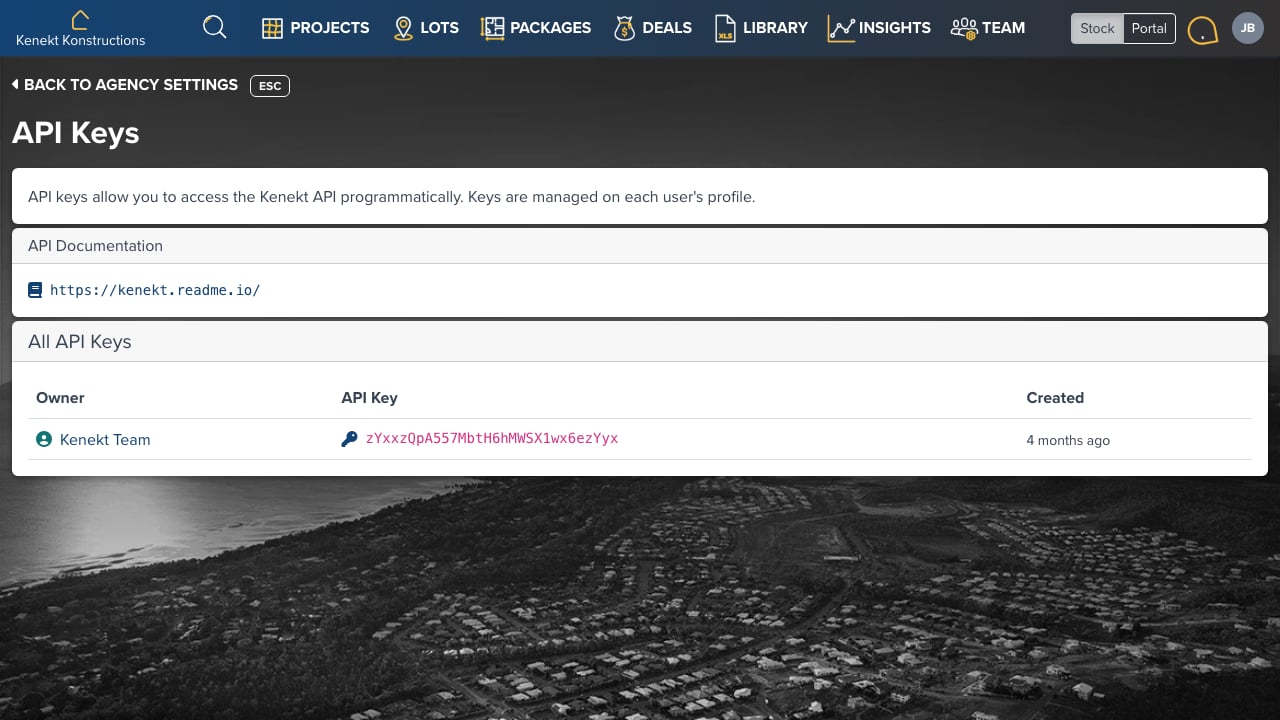
Full API documentation is available at: https://kenekt.readme.io/API Keys
API keys allow programmatic access to Kenekt data. Each key is associated with a user account and inherits that user’s permissions. The table shows all API keys across your agency:- Owner: The user who created the key
- API Key: The authentication token (keep this secret)
- Created: When the key was generated
Managing Keys
API keys are managed on each user’s profile:- Go to Team Management → Select a user
- Navigate to the API Keys tab
- Click Generate New Key to create a key
- Copy and securely store the key: it won’t be shown again
Security
- Keys inherit the permissions of the user who created them
- Revoke keys immediately if compromised
- Use separate keys for different integrations