Getting Started
If you forget your password, click ‘Forgot Password’ to reset it.
You’ll receive an email with instructions to set a new password and sign in to your account.
Learn about the top features of the Kenekt Property Portal
- View all available properties in one organised list.

- Sort listings using various options like pricing, location, and listing dates.

- Quickly find what you’re looking for using the search bar.

- Use the left-hand Filters sidebar to apply custom filters to your search.
Filter by :
- State
- Region
- Your preferred price range : Adjust price using an interactive slider to match your client’s budget.
- Property Type
- Marketing Category
- Contract Type
- Bedrooms.

- Select your preferred property type from a range of available options.

- Choose from the sub-options under each category:

- Use the toggle to include or exclude nearby suburbs in your search

- Click on any listing to see full package details and available actions.
Generate a brochure instantly by clicking ‘Print Brochure’ on the listing page.
Use the ‘Enquire Now’ button to express interest and get more information.

- Select multiple properties and add them to your personalised list

- At the top menu, access saved lists

- Submit a general enquiry to tell us your buyer’s preferences and needs.
Our team will respond with matching properties tailored to your request.

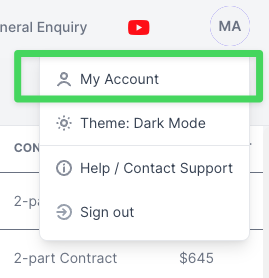
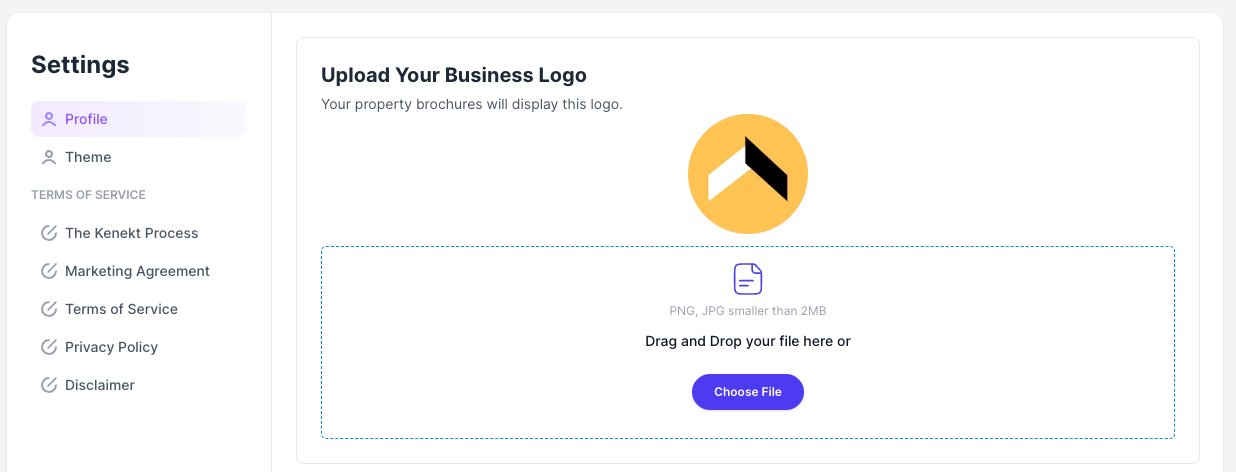
- Visit your account settings to upload a logo and update your profile details.
Edit your email, change your password, or manage your account anytime.